Logo
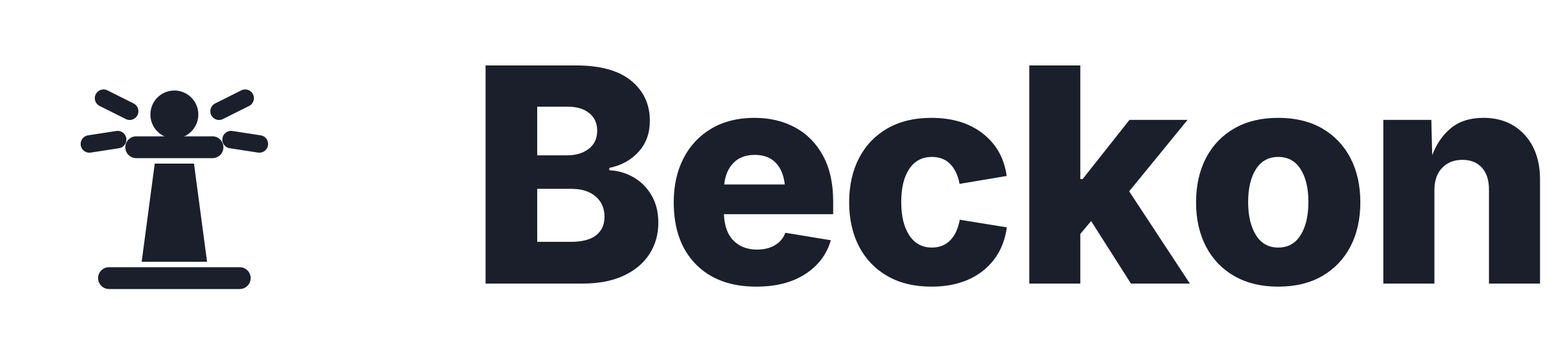
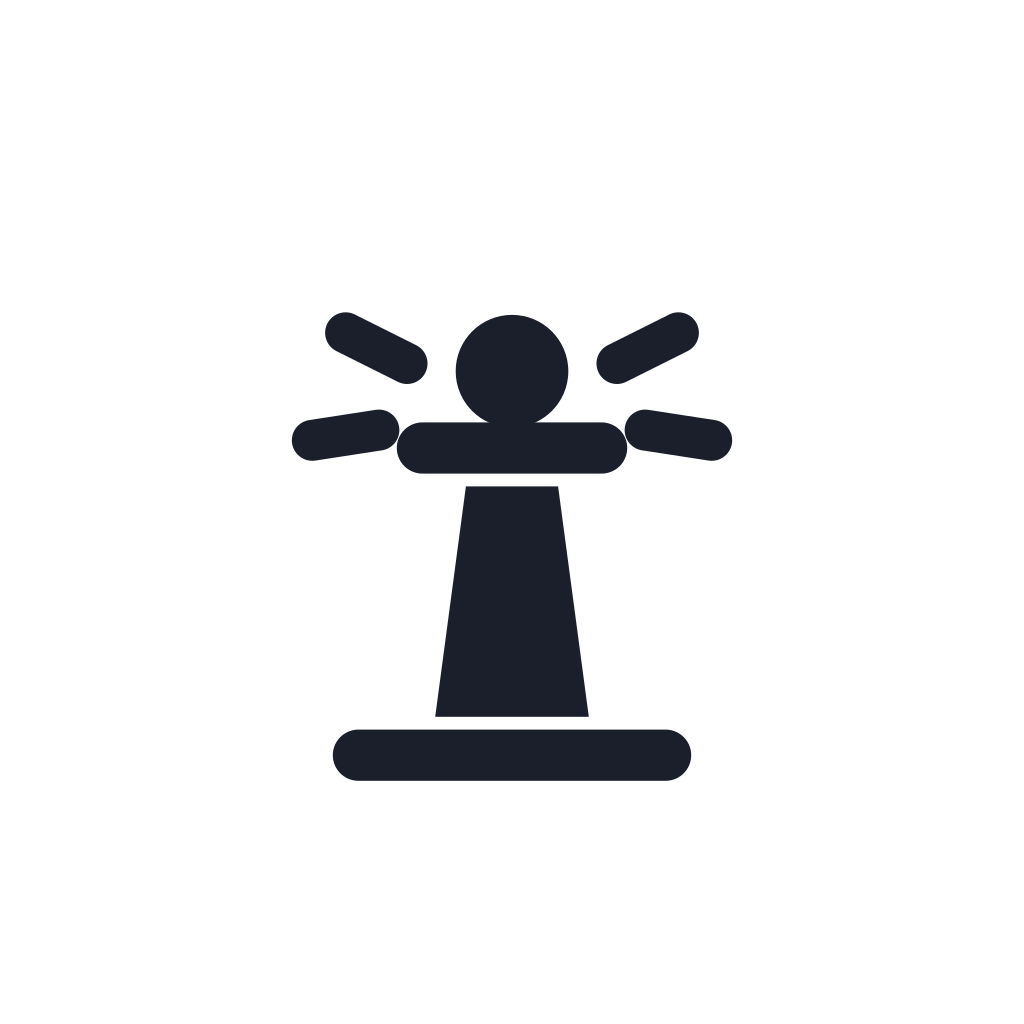
One drawing, three treatments: the lockup where there is room, the bare beacon where there is not, the amber tile wherever a square icon is required.




Downloads
Download everything (.zip)Lockup
Tile and wordmark together, for headers, documents and anywhere there is room.





Mark
The bare beacon. Ink on light surfaces, white on dark, amber where a single colour has to carry the brand.




App icon
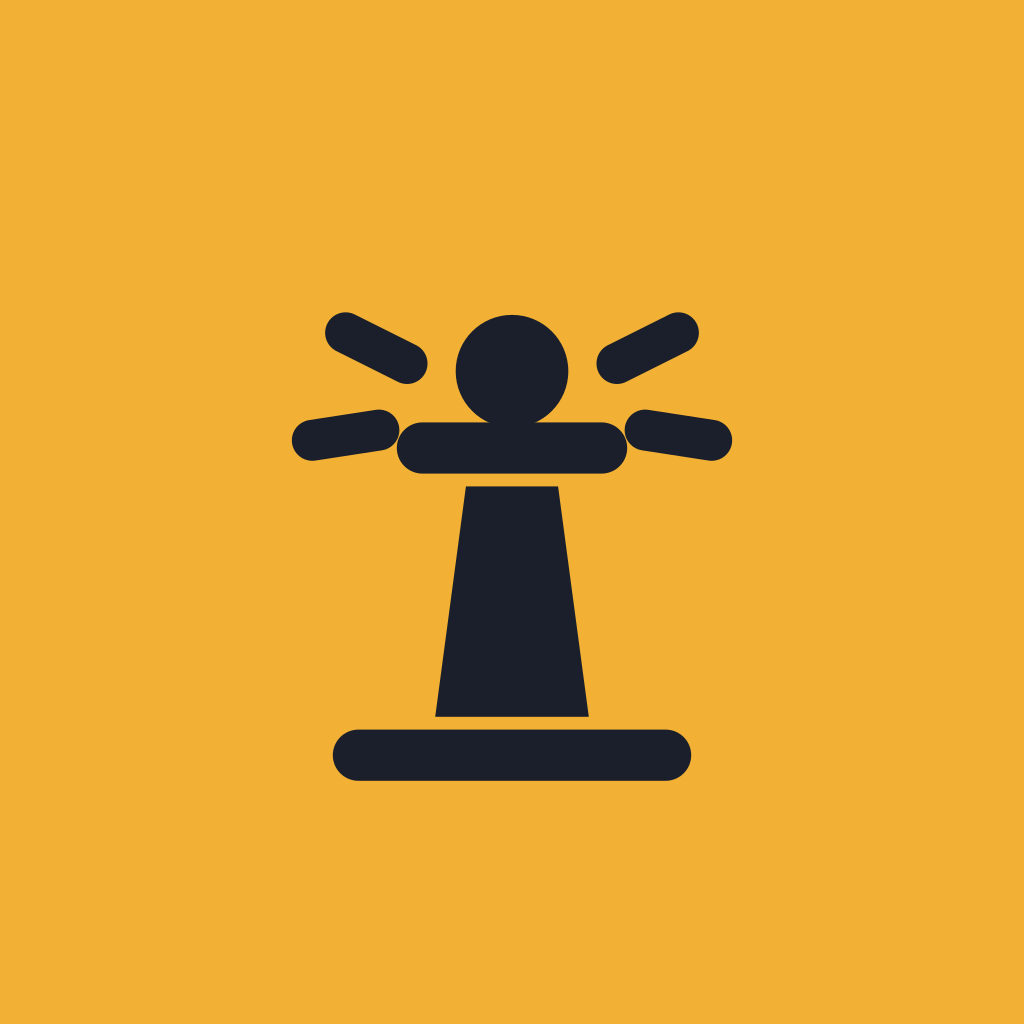
Ink beacon on the amber rounded tile. Favicons, app icons and avatars only; it is what the app and this site use.








Social avatar
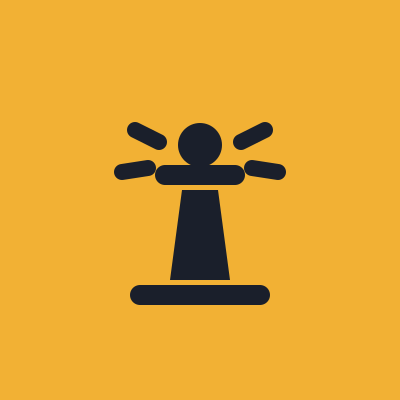
The beacon with extra air so circular crops (X, GitHub, Slack) keep the rays.

Colour
Amber is the one constant: it does not change between schemes. Everything else is a token defined twice, once for light and once for dark, and nothing in the app or on this site is hardcoded.
Light
Dark
Type
Beckon ships as one file and bundles no fonts, so it reads in the system face of whatever opens it. The wordmark is the exception: it is outlined from Inter ExtraBold and never retyped.
Using the mark
Do
- Use the amber tile wherever a square icon is required, and the bare beacon everywhere else.
- Set the bare beacon in ink on light surfaces and in white on dark ones; use the amber beacon only where a single brand colour must carry it.
- Scale the mark as one drawing. The rays and the gallery line are part of it.
- Keep clear space of at least half the tile on every side of the lockup.
- Use the SVG lockups; the wordmark is outlined, so it never depends on an installed font.
Don't
- Do not redraw, thicken or thin the beacon, or drop the rays to simplify it.
- Do not put the beacon on a tile of any colour other than amber.
- Do not retype the wordmark in another face or weight, and do not add a tagline inside the lockup.
- Do not recolour the amber to match a scheme; it is the same in light and dark.
- Do not use the tile smaller than 16px or the lockup shorter than 24px.